
Download URL Blocker – website blocker, block websites, focus tool, productivity app, browser blocker
Overview
URL Blocker is a productivity-focused mobile application designed to help users regain control over their online habits by restricting access to specific websites. With a clear mission to enhance focus during work or study sessions, the app provides a straightforward solution for minimizing digital distractions. Its core purpose is to allow users to block unwanted websites across all browsers on their device, creating a more disciplined browsing environment. This makes it particularly useful for students, remote professionals, and anyone seeking to improve concentration in a world saturated with online interruptions.
The app is developed by Joe C. Jones, who has positioned URL Blocker as a lightweight yet effective utility tailored for users who value simplicity and immediate results. Although the developer did not provide additional technical details about their background or prior projects, the app’s design and functionality suggest a focus on user accessibility and real-world usability. Real-world use cases include blocking social media platforms during work hours, limiting access to entertainment sites during study sessions, or managing screen time for personal or family use.
Within the broader mobile app ecosystem, URL Blocker fills a niche for minimalistic, no-frills tools that prioritize functionality over complexity. It stands out as a reliable option for users who want a direct approach to digital wellness without the need for complicated configurations or third-party integrations.
Key Features & Functionality
URL Blocker delivers a focused set of features aimed at simplifying website restriction on Android devices. The app’s functionality is built around four core capabilities that collectively support improved productivity and self-regulation.
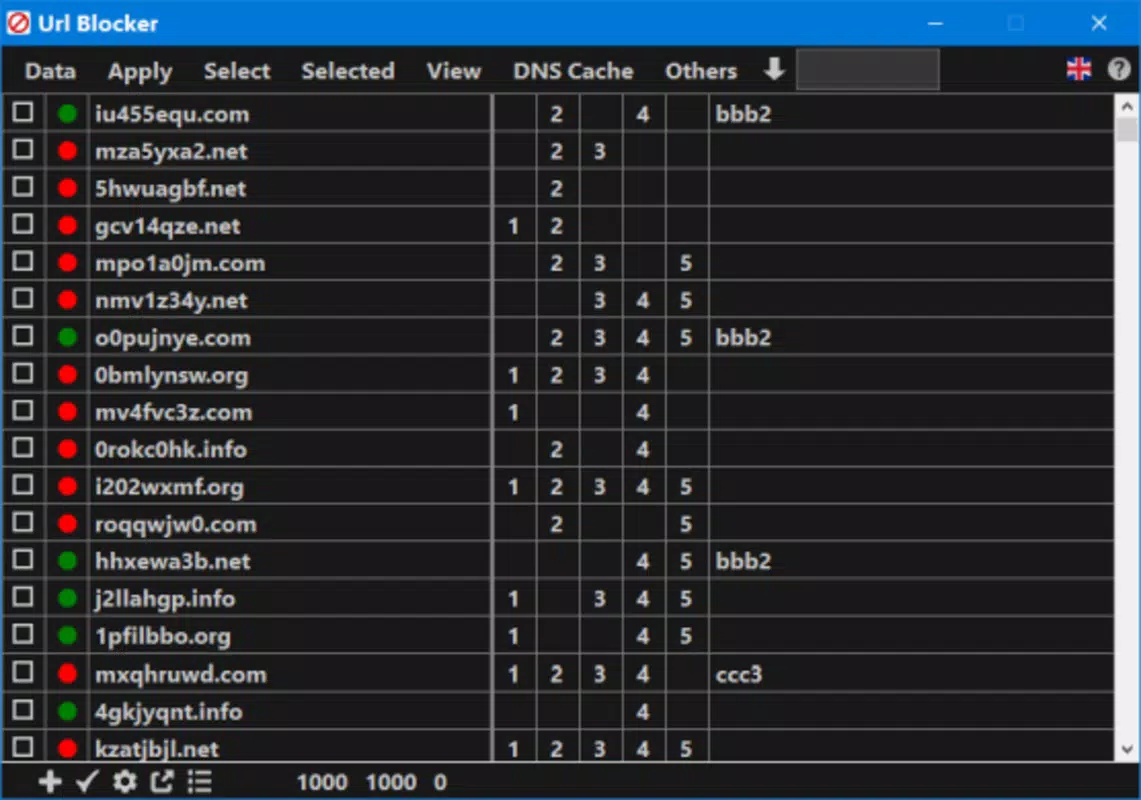
- User-Friendly Interface: The app features a clean, intuitive layout that requires no prior technical knowledge. Adding a website to the block list is as simple as tapping the 'plus' icon and entering the URL, making the process accessible to users of all experience levels.
- Instant Blocking: Once a website is added, access is immediately restricted across all installed browsers. This real-time enforcement ensures that distractions are eliminated without delay, helping users stay on task from the moment the block is applied.
- Unlimited Website Management: Users can add as many websites as needed to the block list, allowing for comprehensive control over online content. Each entry can be toggled on or off independently, enabling flexible access based on changing needs.
- Blocking Organizer: A key strength of the app is its ability to schedule block times. Users can define specific days and time windows during which certain websites are inaccessible, making it ideal for structured routines such as study blocks or work sprints.
For example, a student could block social media from 8 AM to 12 PM on weekdays to maintain focus during morning study sessions. Similarly, a remote worker might disable access to entertainment sites during core working hours to reduce procrastination. These practical applications highlight how the app supports real-life productivity goals without requiring complex setup.
Interface, UX & Performance
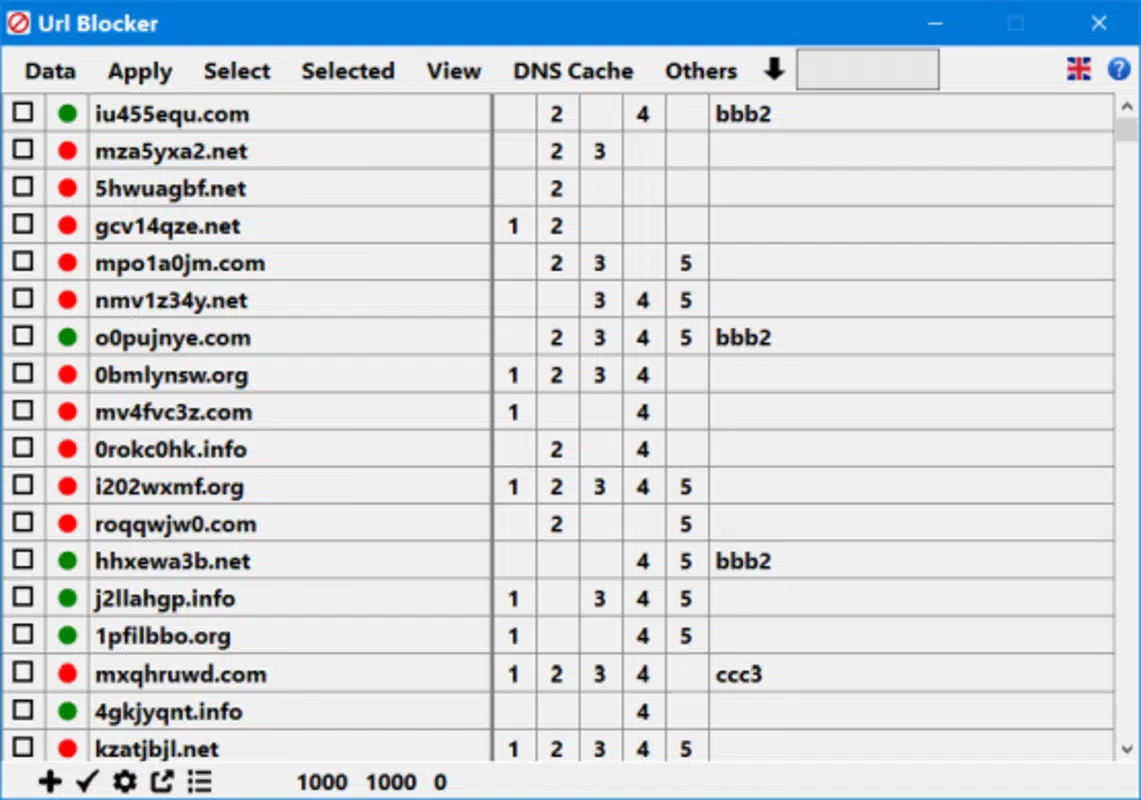
The user interface of URL Blocker reflects a minimalist design philosophy, emphasizing clarity and ease of use. The layout is organized with a central list of blocked websites, complemented by a prominent 'plus' button for adding new entries. Navigation is straightforward, with minimal menu layers, reducing cognitive load and enabling quick access to core functions.
Visual elements are kept simple—text-based labels, consistent color coding, and intuitive icons contribute to a clean aesthetic that avoids visual clutter. This design approach ensures that users can focus on the task at hand without being distracted by unnecessary graphics or animations.
Although the developer did not list formal performance metrics, the app’s lightweight footprint of 2.8 MB suggests efficient resource usage. It is likely optimized for smooth operation across a range of Android devices, including mid-tier and budget smartphones. Responsiveness appears to be consistent, with minimal lag during list updates or block activation. Stability is implied by the app’s focus on core functionality without advanced features that could introduce bugs.
Given the app’s simple nature, it is expected to maintain consistent performance under regular use, though detailed testing across device categories was not disclosed. Overall, the UX design supports rapid onboarding and sustained usability, making it suitable for both occasional and daily users.
Platform Compatibility & Technical Requirements
URL Blocker is available exclusively on the Android platform, making it accessible to users of Android smartphones and tablets. The current version is 1.0.2, released on February 10, 2025. The app’s file size is 2.8 MB, indicating a compact and lightweight installation that minimizes storage impact.
While the developer did not specify minimum OS requirements or device compatibility details, the app’s small size and focus on core functionality suggest broad compatibility with modern Android devices. Users running Android 6.0 (Marshmallow) or later are likely to experience full functionality, though this was not explicitly confirmed.
As a free application, URL Blocker does not require a paid subscription or in-app purchases. The lack of monetization through ads or premium tiers may contribute to a cleaner user experience, though no information was provided on data collection practices or background processes.
Pros and Cons
Pros
- Simple, intuitive interface suitable for users of all technical levels
- Instant blocking of websites across all browsers on the device
- Supports unlimited website entries with individual on/off control
- Flexible scheduling via the blocking organizer for time-based restrictions
- Lightweight design with minimal storage usage (2.8 MB)
- Free to download and use with no in-app purchases or ads
Cons
- Developer did not provide specific OS or device compatibility details
- Performance metrics and stability data were not disclosed
- No information on data privacy or background processes
- Limited to Android platform; no iOS or other OS availability
- Feature set is minimal, which may not meet advanced user needs
FAQ
Is URL Blocker available for iOS devices?
As of now, URL Blocker is only available on the Android platform. There is no official version for iOS.
Can I block websites across all browsers on my phone?
Yes, once a website is added to the block list, access is restricted across all installed browsers on the device.
Does URL Blocker require a constant internet connection?
No, the app does not require an active internet connection to enforce blocks. Blocking is managed locally on the device.
How do I schedule when websites are blocked?
Use the blocking organizer feature to set specific days and time windows during which certain websites will be inaccessible.
Is my data stored securely on my device?
The developer did not provide details on data storage or privacy practices. It is recommended to review the app’s permissions and privacy policy before use.
Final Thoughts + CTA
URL Blocker presents a refreshingly simple solution for users seeking to reduce digital distractions and improve focus. Its minimalist design, instant blocking capability, and time-based scheduling make it a practical tool for students, professionals, and anyone aiming to build better online habits. While the app lacks advanced features and detailed technical disclosures, its core functionality is reliable and effective for its intended purpose.
For users who value straightforward, no-frills productivity tools, URL Blocker delivers strong value—especially given its free price point and lightweight footprint. It’s ideal for those who want immediate results without the complexity of more feature-heavy alternatives.
With its focus on usability and real-world application, URL Blocker stands out in the crowded productivity app market as a dependable, accessible choice. If you’re looking to reclaim your attention and stay on track, this app offers a smart, simple starting point.
Download URL Blocker now


